ProfessionalsUnderstand the Purpose of a LinkedIn Banner
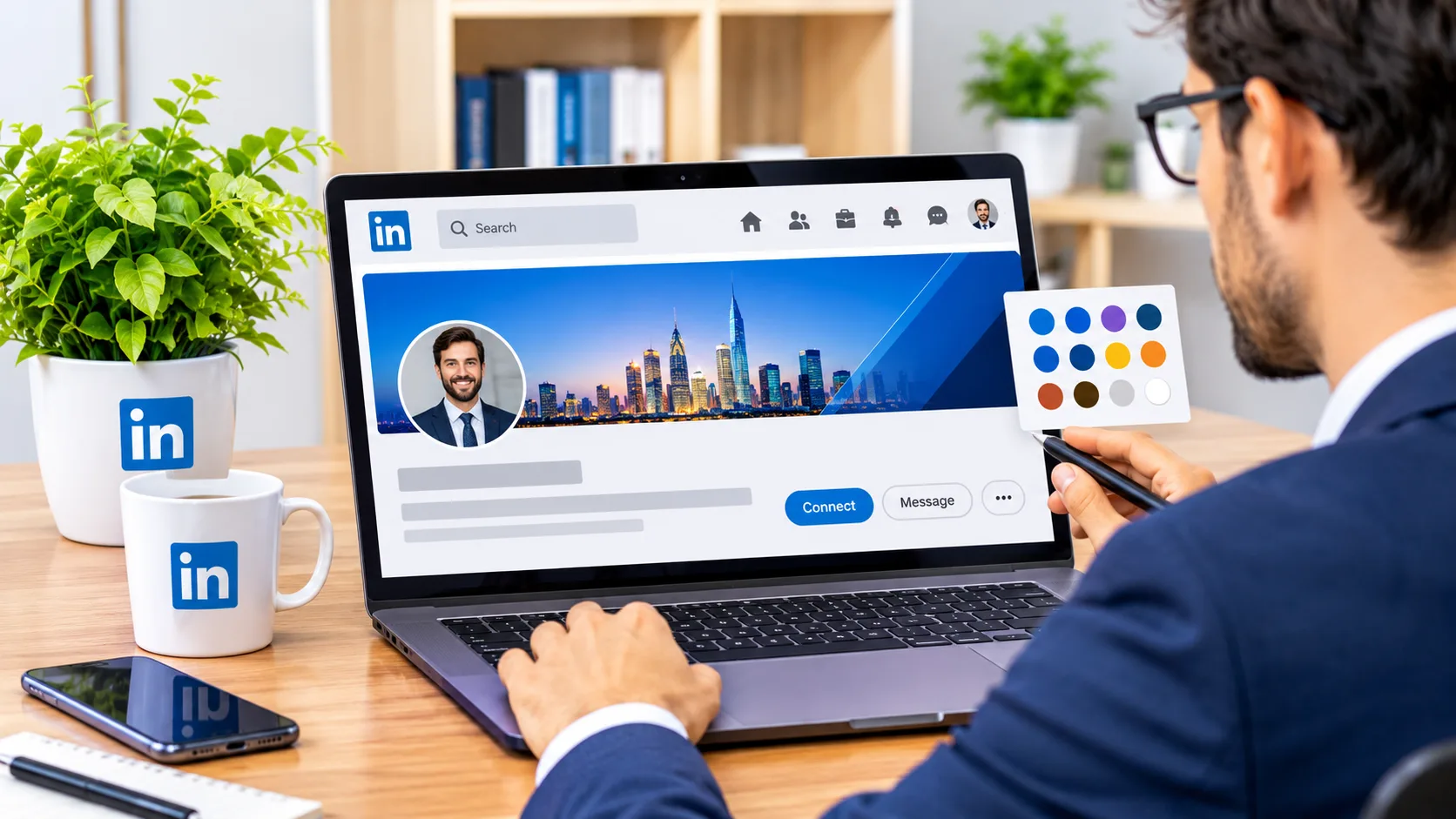
Having a LinkedIn banner is essential, as it makes the first impression on visitors, potential clients, recruiters and business partners. It’s available on every LinkedIn profile and is another way to convey professional identity other than the profile picture and headline. Any expertise, business services, industry knowledge, and professional values can be showcased in the LinkedIn banner. The aim of a visit should be for the business person to come up with a design that will look neat, convey a message, and motivate visitors to find out more about their business.
Choose a Professional Design Theme
When it comes to LinkedIn, the design theme is the crucial first step to make in creating an effective LinkedIn banner. The look of the design should be oriented to your professional image, business sphere, and audience. Perhaps technology experts may go with modern layouts with simple geometric design, or perhaps financial consultants may opt for a more traditional and minimal appearance. Keep unnecessary decorations, too many colors, and too many patterns to a minimum. A uniform style is a great way to create a well-structured and reliable profile. Decorate with a style that will help you make a professional statement, but don’t distract viewers from the overall message.
Use the Correct LinkedIn Banner Dimensions
At the very least you want your banner to be of the proper size in order to ensure it displays properly on different devices. The recommended background picture size for LinkedIn profile is 1584×396 pixels. To avoid the unwanted cropping of information and to not lose important pieces of information, you are better off designing within these dimensions. Also, take into account the look of the banner on different resolutions of desktop computers and mobile devices. Avoid putting important text, logos and other contact details at the edges as they might appear differently on different screens. Check your design before uploading, to ensure that all elements of importance are in place.
Select Colors That Represent Your Brand
Colours are very significant in developing a professional visual identity. Choosing the right colours can create an attractive LinkedIn banner and convey the personality of your business. Trust and reliability comes with the colour blue for instance, or growth and balance with colour green. Pairing black and white can be an elegant and simple look. Select two to three complementary colors, and apply them throughout the design. If your company has colors that you would like to use, add those to your profile to ensure all company marketing pieces, presentations, website and profile are all consistent in color.
Include a Clear and Meaningful Message
Your primary message ought to be conveyed in a professional banner in a way that doesn’t force your audience to invest too much time in comprehending it. Add a brief sentence that describes your area of knowledge, services provided as a business or your professional value. For instance, a marketing consultant could have the phrase “Helping Businesses Build Strong Digital Brands. A tech expert could emphasize their expertise in software development or digital transformation. Do not put too much text since the longer description, the more difficult it is to read. A short and meaningful message will help make your professional identity more easily understood and remembered.
Add Your Business Logo and Contact Information
An organization’s logo can be utilized to create a LinkedIn banner that is much more recognizable and can assist reinforce brand awareness. Business owners, consultants and entrepreneurs can share their profiles with their business using their business banners. Position your logo on the design where it will be easily seen and not overpower the picture. It can also contain a website URL, a business email address or just a call to action, depending on your professional objectives. But don’t give too much information on the contact. The design should be balanced and leave sufficient void space so that all the important elements in the design can be easily identified.
Use paragraph Text
The typography of LinkedIn banners can make a huge difference to their overall design. But if visitors can’t read the text, even if the design is attractive, it will not be effective. Use professional fonts, as they will look good on screens of various sizes. It may be appropriate to use sans serif fonts as they have a contemporary and clean look. The main headline should be written in a bold font, while supporting information should be written in a smaller font. Don’t use too many font styles in a design. Uniform spacing, font size, and alignment will provide a neat effect and make it easier to understand what you are trying to convey.
Use a LinkedIn Banner Maker to Simplify Design
Making a professional banner does not necessarily need to be high-tech and graphic design savvy. Online design tools are easier to use for business people who can use pre-made templates, editing tools, and customizable layouts to create an appealing graphic. Using a LinkedIn banner maker, users can enhance the colors, add some text to their design, upload their logo, and arrange the elements of the design all without beginning from scratch. There are also a number of tools that offer templates to entrepreneurs, job seekers, recruiters, marketing pros and business owners.
Create a simple, mobile-friendly design
One of the most effective design guidelines of professional banners is simplicity. Excessive number of images, icons, shapes and text can bloat the design. Instead, stick to the main focus, and a few supporting visual elements. Be aware of the text size for smaller screen resolutions and ensure that there is no important information behind your profile picture. The mobile-friendly design is crucial as a large number of LinkedIn users are accessing it on their mobile devices.
Review, Update, and Maintain Your LinkedIn Banner
Once you have designed it, be sure to check each and every part of it prior to posting it to your profile. Look at the words in correct spelling, alignment, image quality, colour consistency and positioning of the logo. Ensure that your banner aligns with your current professional objectives, and reflects your services and/or your expertise. Business owners should also keep their banners up to date with their new services, change industry, launch a company or important career milestones. Having regular updates helps keep a profile newsworthy and interesting.
Conclusion
Creating an appealing LinkedIn banner is an excellent method to reinforce your business profile and create a more appealing look. Business people can design a banner that conveys their knowledge and brand values well by selecting appropriate colors, easy-to-read typography, dimensions and message. A LinkedIn banner maker can also make the design procedure easier, and supply expert templates. Not all of the most complicated banners are necessarily the most effective.
Read also: Daily Celeb magazine